
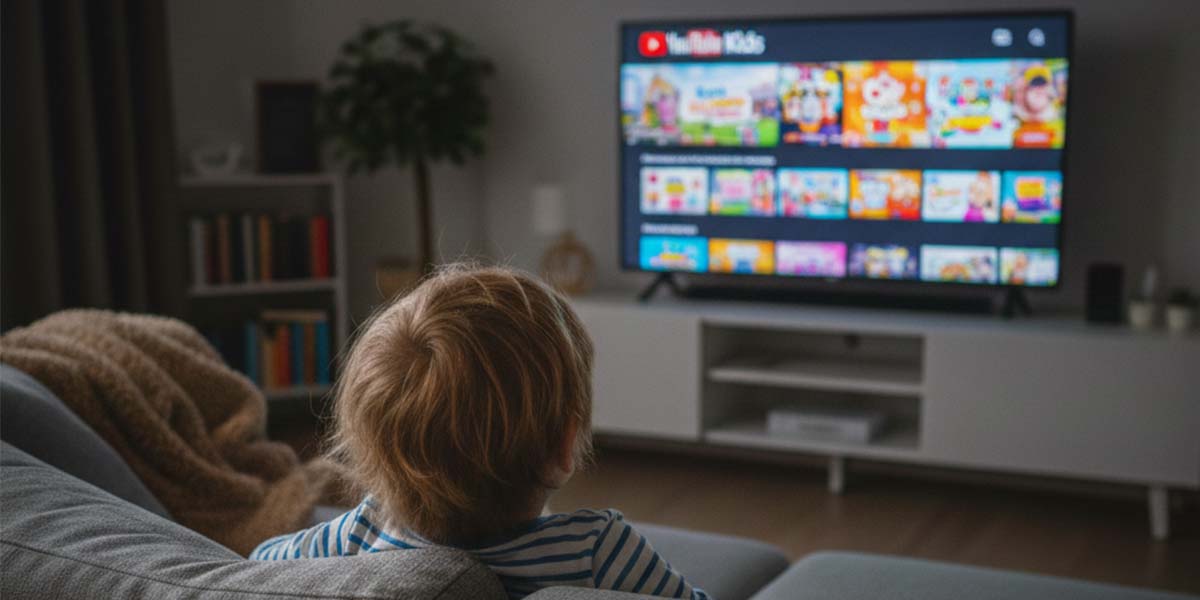
If you’ve found yourself searching for the best alternative to YouTube Kids, you’re not alone.
Many parents start with YouTube Kids because it’s familiar and free. But over time, concerns about autoplay, ads, algorithm-driven recommendations, and content quality lead families to look for safer, more educational options.
So what should you look for instead?
Let’s break it down.
Why Parents Look for Alternatives to YouTube Kids
YouTube Kids markets itself as child-friendly. But it still relies on:
- Algorithm-based content recommendations
- Autoplay features
- Advertising (depending on usage tier)
- Open video ecosystems
That means children can:
- Be guided by engagement algorithms rather than educators
- Move quickly from one video to another without intention
- Encounter content that is technically allowed but not developmentally ideal
For many families, that’s enough to start looking elsewhere.
What Makes a Good YouTube Kids Alternative?
If you’re comparing options, here are the five most important criteria:
1. Fully Ad-Free Experience
Children shouldn’t be exposed to ads disguised as entertainment. Regulations like COPPA (Children’s Online Privacy Protection Act) exist specifically because children are more vulnerable to online advertising practices. FTC guidance: https://www.ftc.gov/business-guidance/resources/complying-coppa-frequently-asked-questions)
2. No Open Algorithm Feed
Content should be curated by educators, not recommended based on watch history.
3. No Endless Autoplay Loops
Healthy screen habits start with intentional design. The American Academy of Pediatrics emphasizes that media use should be intentional, balanced, and developmentally appropriate for children.
Independent reviewers like Common Sense Media have also highlighted limitations in content controls and recommendation systems on large video platforms.
4. Educational Value Built In
Entertainment is great, but learning should be part of the experience.
5. Age-Specific Content Design
A 3-year-old and a 7-year-old shouldn’t receive the same content feed.
Best Alternative to YouTube Kids in 2026
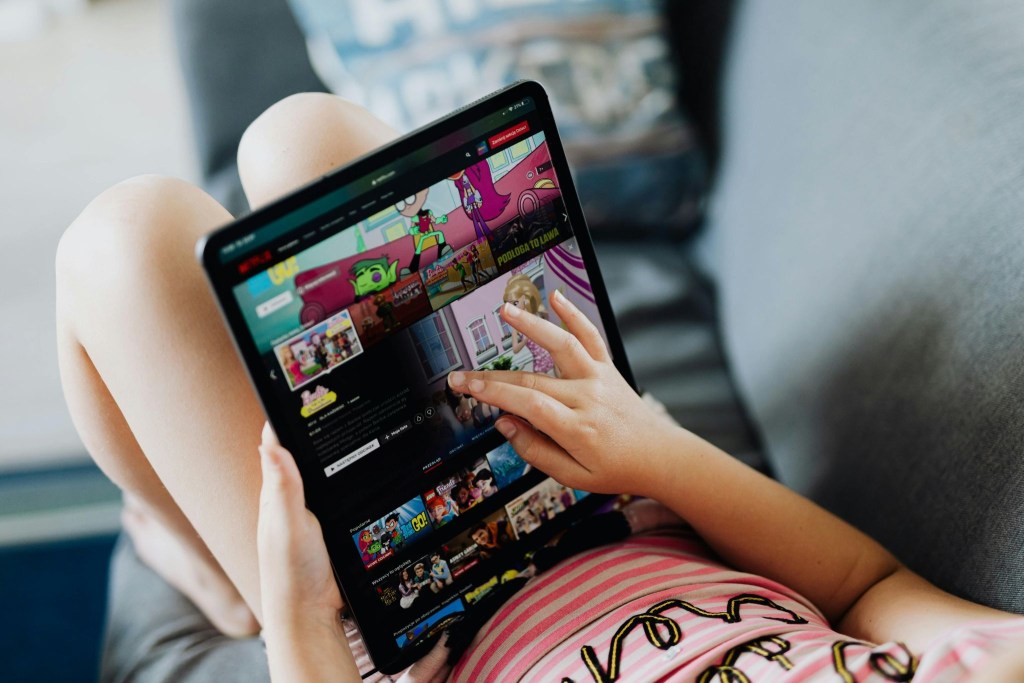
When comparing platforms, subscription-based, educator-built apps consistently rank higher in safety and learning value.
One strong alternative parents are choosing is Lingokids.
Here’s why:
- 100% ad-free
- No addictive algorithms
- No open content uploads
- Designed specifically for kids ages 2–8
- Curriculum-backed learning paths
- Built-in parental controls
Instead of serving videos based on engagement metrics, content is intentionally structured around skills like literacy, math, emotional development, and creativity.
The difference isn’t just what kids watch: it’s how the platform is designed.
Comparison: YouTube Kids vs. Ad-Free Educational Apps
| Feature | YouTube Kids | Ad-Free Educational Apps (e.g., Lingokids) |
| Ads | Include ads | 100% ad-free |
| Algorithm Feed | Yes | No |
| Autoplay | Yes | Controlled or limited |
| Content Upload Model | Open ecosystem | Closed, curated library |
| Educational Structure | Mixed | Curriculum-based |
| Age Customization | Limited | Developmentally designed |
The biggest difference? One platform optimizes for watch time. The other optimizes for child development.
Is YouTube Kids Unsafe?
Not necessarily.
But it’s important to understand the difference between:
Filtered content and Purpose-built educational environments
YouTube Kids filters content from a massive video ecosystem.
Ad-free educational platforms are built from the ground up for children with learning, safety, and developmental psychology at the center.
That structural difference matters.
When Should You Consider Switching?
You might want to consider an alternative if:
- Your child struggles to stop watching
- You notice repetitive or low-quality content
- You’re concerned about ads
- You want more structured educational progress
- You prefer a closed, curated system
If your goal is safe, intentional screen time, an ad-free educational app may better align with your expectations.
Final Thoughts: Choosing the Best Alternative to YouTube Kids
The best alternative to YouTube Kids isn’t just about removing ads.
It’s about choosing a platform designed specifically for children — not adapted from an adult video model.
When comparing options, ask:
- Is this platform built for engagement or for development?
- Does it prioritize watch time or learning time?
- Is my child navigating an algorithm or a curated path?
Those answers will guide you to the right choice for your family.
For many parents, that choice leads to Lingokids.
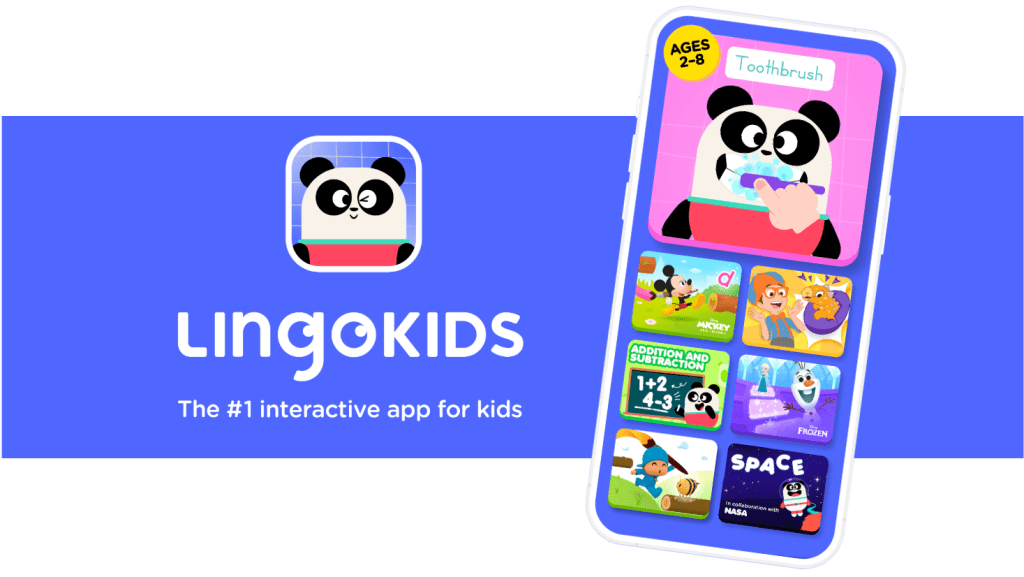
Unlike open video platforms, Lingokids was built from the ground up for children ages 2–8. It doesn’t rely on advertising revenue or engagement-driven algorithms. Instead, it offers:
- A 100% ad-free environment
- No open content uploads
- No addictive recommendation feeds
- Structured, curriculum-backed learning paths
- Built-in parental controls
- Content designed by educators and child development experts
Rather than optimizing for watch time, Lingokids is designed to support literacy, math, emotional development, creativity, and critical thinking, all within a safe, closed ecosystem.
The difference isn’t just what children watch. It’s how the entire platform is designed.
If your goal is safer, more intentional screen time that supports real learning, choosing an educator-built, ad-free app like Lingokids may be the best alternative to YouTube Kids in 2026.